Back

What’s new in Maptale

Maptale is in alpha and changes every week. Here is what you will notice: in the app, in the film and on the web.

Today

October 2026

Week of October 12

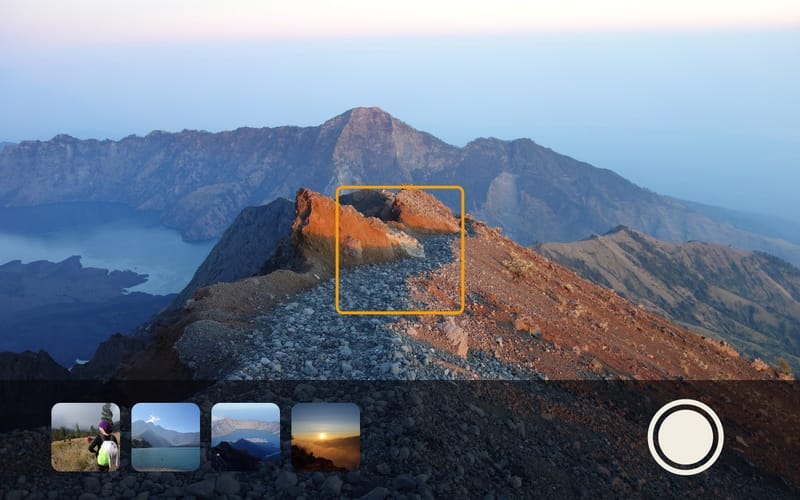
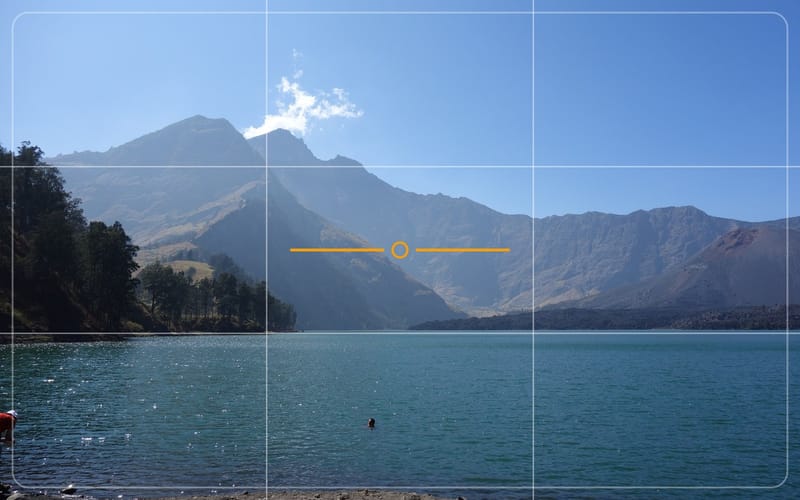
View across a crater lake with grid lines and a level, as in the app’s viewfinder

App

Improved camera

What you see while taking a photo in the app is exactly the picture you get. Grid lines and a level help you keep it straight, and if you like, your photos also go to your phone’s gallery.
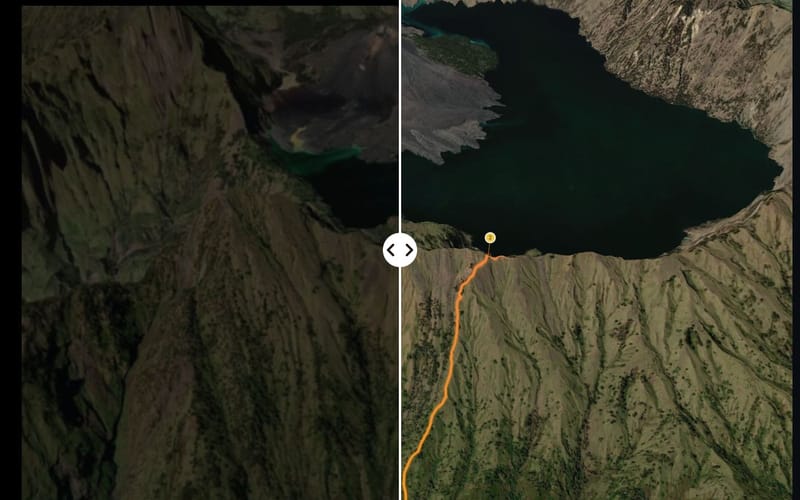
The same frame from a film twice: blurred and doubled on the left, sharp on the rightSatellite imagery: Esri, Vantor, Earthstar Geographics, GIS User Community

Film

Films play more smoothly on every device

Even on older phones and tablets your film stutters far less often now, and picture and music stay in step.

8 small fixes
  • The app’s lists no longer flicker when you come back from another app.
  • All music tracks now play at the same volume, so none stands out as louder or quieter.
  • Maptale now picks music to suit the mood and length of your film, instead of giving every tour the same track.
  • In the app, a back button of its own takes you out of the film.
  • “Forgot password?” now opens the right page in the app straight away.
  • Long titles fit on the film’s start screen.
  • The app stays upright; only the film turns with your phone.
  • Photos in the film no longer shake while slowly zooming in.

Week of October 5

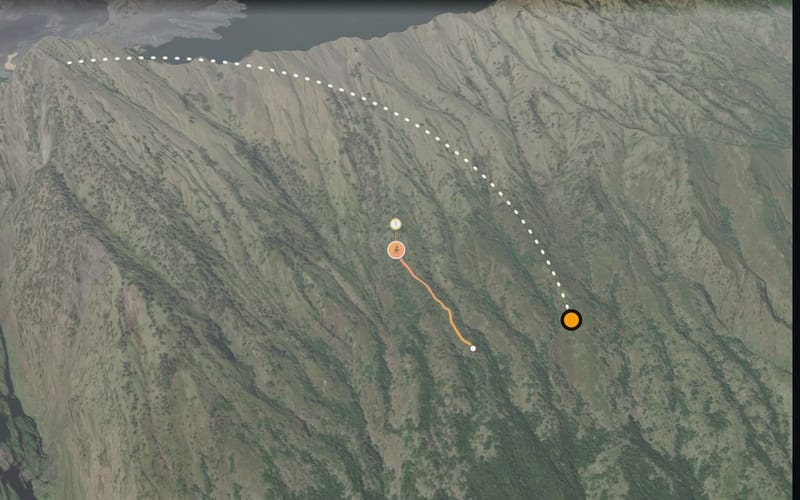
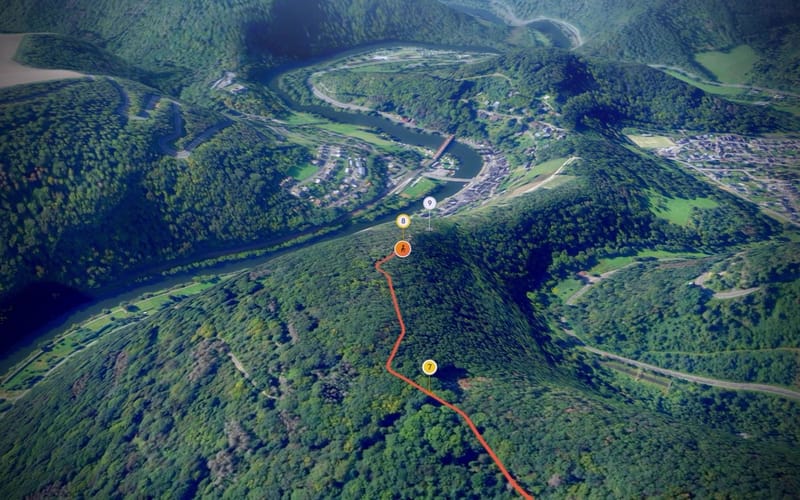
Mountainside seen from high above, a dotted line shows the camera flying towards the routeSatellite imagery: Esri, Vantor, Earthstar Geographics, GIS User Community

Film

Your film now opens with a fly-in

At the start the camera flies in from high above towards your route. That way the film starts without waiting and without stuttering.
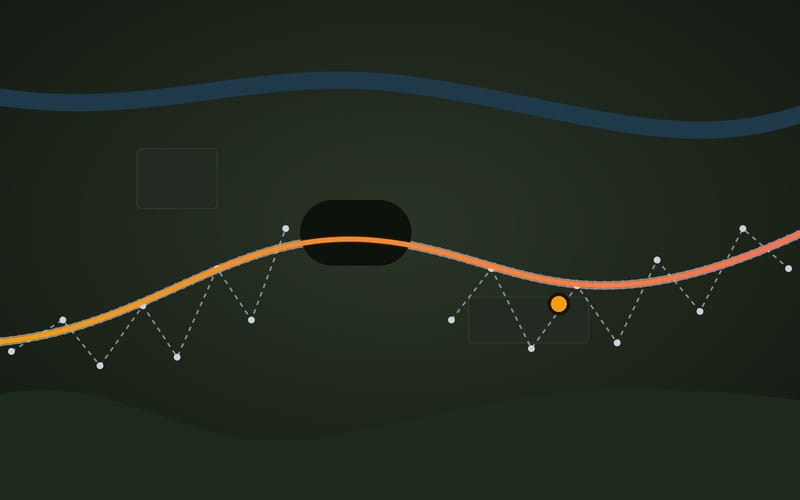
Drawing of a railway: dashed, the jumping recording beside the track; in orange, Maptale’s line right on the rails

FilmBig update

Train journeys follow the rails

On a train, recordings are often inaccurate: the route jumps back and forth or breaks off in tunnels. Maptale now puts your journey on the actual rails, with every stop at a station.

Dashed: what your phone records on a train. Orange: how Maptale shows the journey.
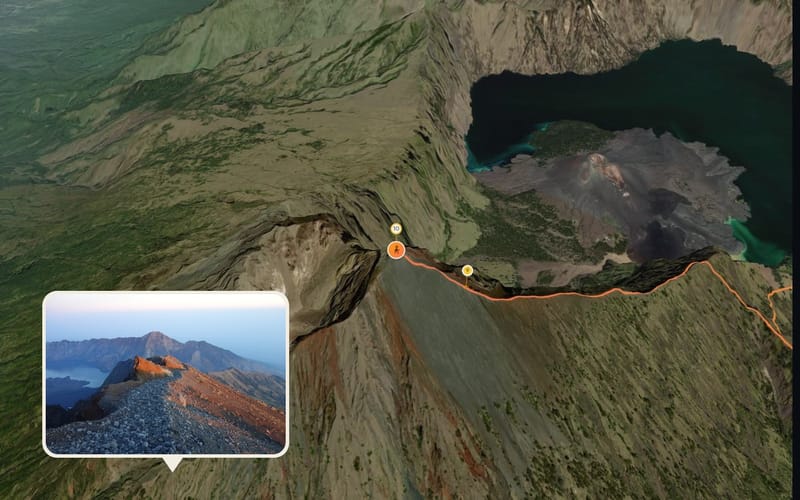
Frame from a film over a mountain ridge, a photo of the ridge sits exactly at its stopSatellite imagery: Esri, Vantor, Earthstar Geographics, GIS User Community

FilmOn the web

Photos appear in the right place

Sometimes your phone saves an inaccurate location with a photo. Maptale then looks at the time and shows the photo where you were at that moment.
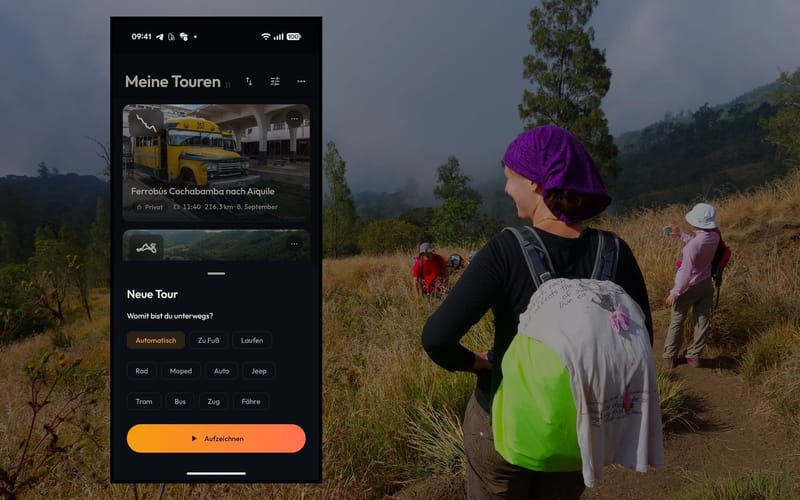
The app asks how you are travelling before recording, with hikers on a trail behind

AppOn the web

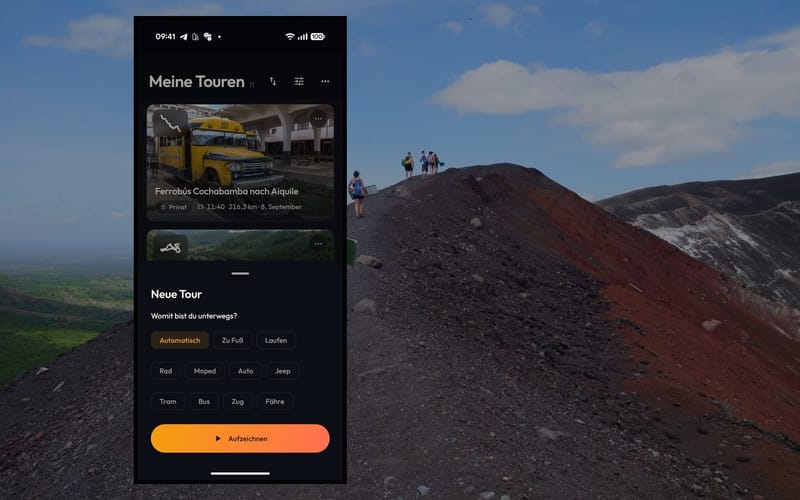
Hiking, cycling or driving: the app asks when you start

That way Maptale knows what your route should look like and which sounds suit your film. When you upload on a computer, Maptale asks the same.

An invitation card in front of a view over a wooded valley

Invite your friends yourself

Your account now has invitations of your own that you can pass on to friends.

8 small fixes
  • A new short film on the home page shows how Maptale works.
  • The film no longer freezes on older devices.
  • The line that traces your path no longer flickers.
  • Each photo in the film shows how far along the route it was taken.
  • In the app’s full-screen photo view, swipe to the next picture.
  • Maptale tidies up single stray points in your recorded route by itself.
  • A recording in which you didn’t move no longer ends up as an empty tour in your list.
  • Pull “My tours” or “Discover” down to refresh the list.

Week of September 28

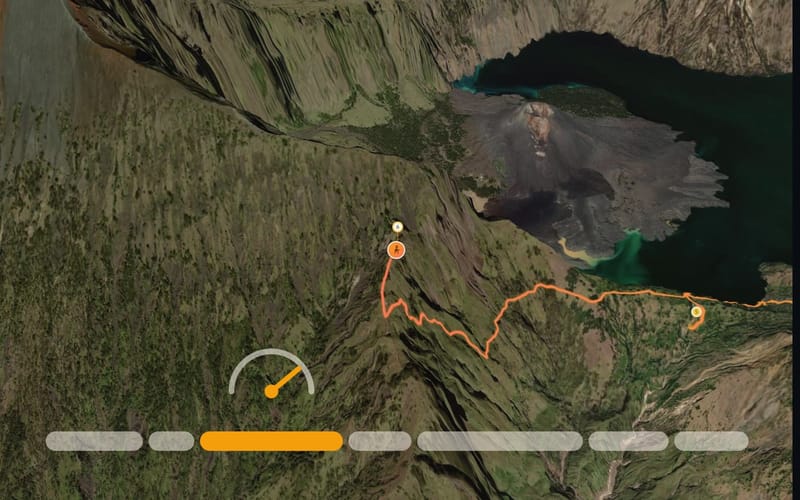
Frame of a mountain route with a bar of coloured sections belowSatellite imagery: Esri, Vantor, Earthstar Geographics, GIS User Community

On the webFilm

Shorter films, pace your way

Maptale now speeds through long stretches without photos on its own, and each photo stays on screen for three seconds. On your computer you can set the pace of every section and of the whole tour in five steps.
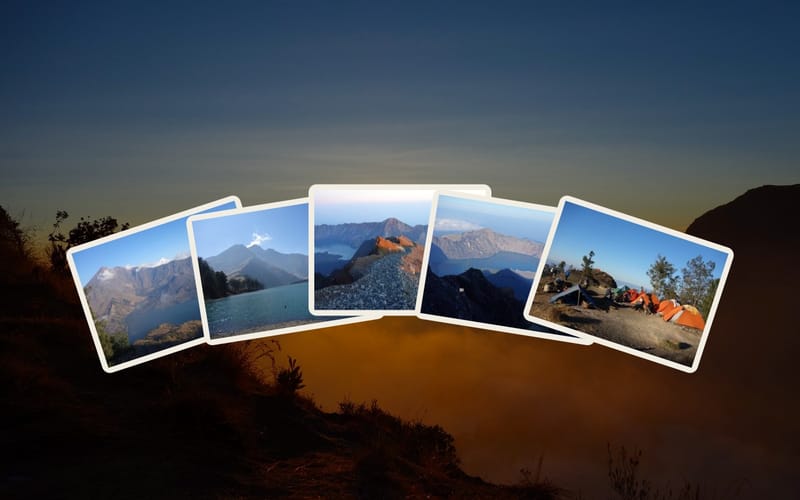
Five photos from a tour fanned out in front of a sunset

Film

A new beginning and a new ending

The start screen now lists every photo stop, and you can begin the film at any of them. At the end, five of your photos fan out, and “Watch again” takes you back to the start.

Two offset cards with lines of text in front of a bilingual signpost in China

Film

Shared tours in your language

If someone shares a tour in German, you can read its title and description in English, and the other way round. A short note tells you that Maptale translated the text.

4 small fixes
  • To stop a recording, press and hold the button for a moment. That way it never happens by accident.
  • Your tours now show the date of the trip rather than the upload, grouped by month.
  • Snow, rain and thunderstorms look more real in your film.
  • When you send feedback, you first choose whether it is a question, an idea or a bug.

September 2026

Week of September 21

1 small fix
  • Recorded tours play their sound at full volume again.

Week of September 14

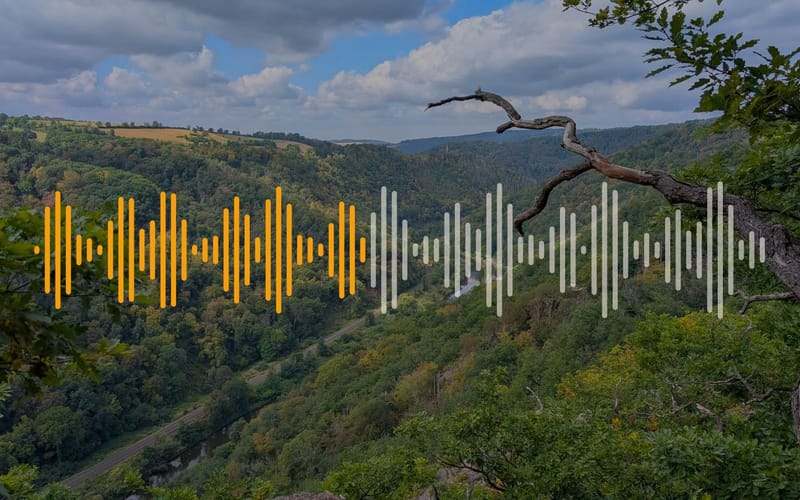
View of a river bend with a sound wave across it

On the web

Lots more music and sounds

The library on your computer gains 41 music tracks, 15 background sounds such as forest, rain or city, and 37 short sound effects.
A plane above a sea of clouds with its dashed flight path behind it

Film

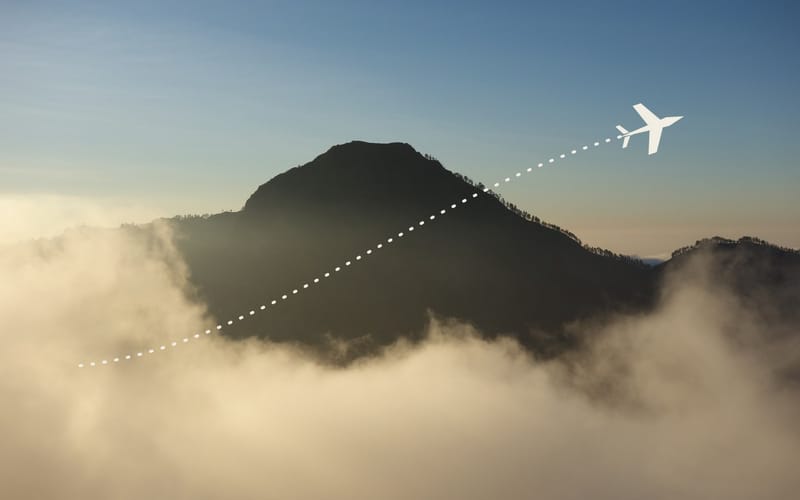
Flights in your film

Maptale recognises when you are flying. The camera climbs with you, circles the plane and shows your journey from high above.

2 small fixes
  • The home page opens with a flight over Mount Rinjani and loads faster.
  • Maptale now recognises trams, ferries and cars more reliably.

Week of September 7

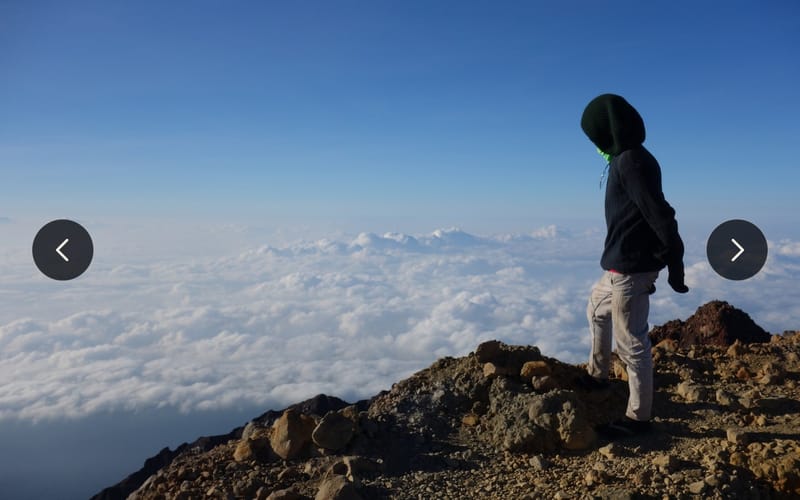
A summit photo with arrows on either side for flicking through

Film

Flick through your photos

Use the arrow keys or a swipe to jump to the next or previous photo stop. A tap shows or hides the controls, and a click on the photo pauses the film.
Frame above a volcanic crater with the mountains behind in a light hazeSatellite imagery: Esri, Vantor, Earthstar Geographics, GIS User Community

Film

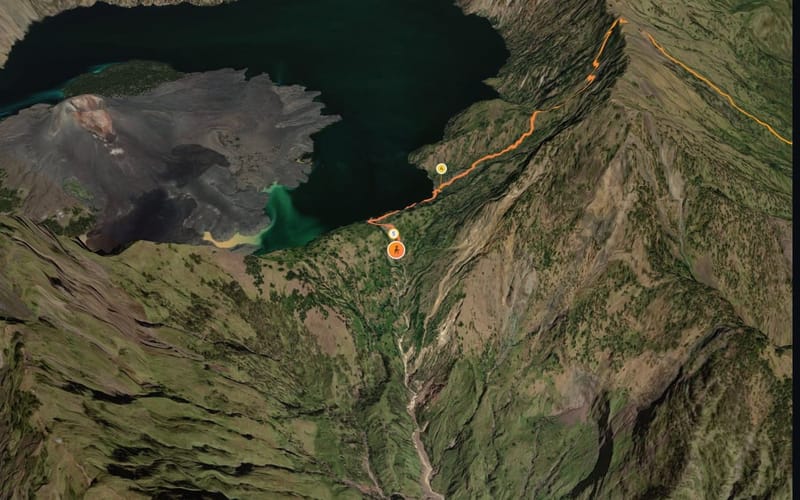
A calmer camera and a more natural horizon

In bends the camera now looks ahead and keeps you in the picture. Distant mountains sit in a light haze, just as you see them from a summit.
Left, the night climb on Rinjani; right, the black cone of Cerro Negro

Film

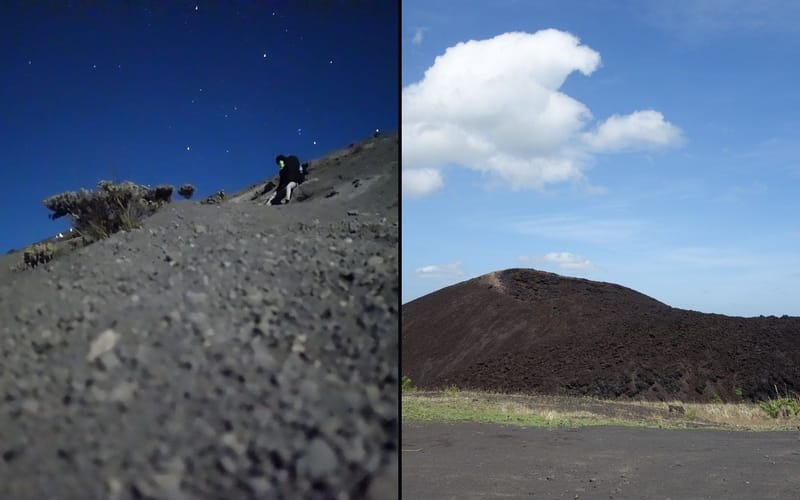
Two new sample tours: Rinjani and Cerro Negro

Hike through the night up Mount Rinjani in Indonesia, with moonlight and its own music. And sandboard down the ash slopes of Cerro Negro in Nicaragua.

6 small fixes
  • In rain and thunderstorms you can’t see as far in the film.
  • The editor now opens right at your route instead of on a map of the world.
  • When a photo stop is behind a mountain it now disappears completely instead of half showing through.
  • The train icon now actually looks like a train.
  • You can now save videos in 4K, and thunderstorms rumble in the video too.
  • While loading, “My tours” and “Discover” show placeholders in the right shape, so nothing jumps around.

Week of August 31

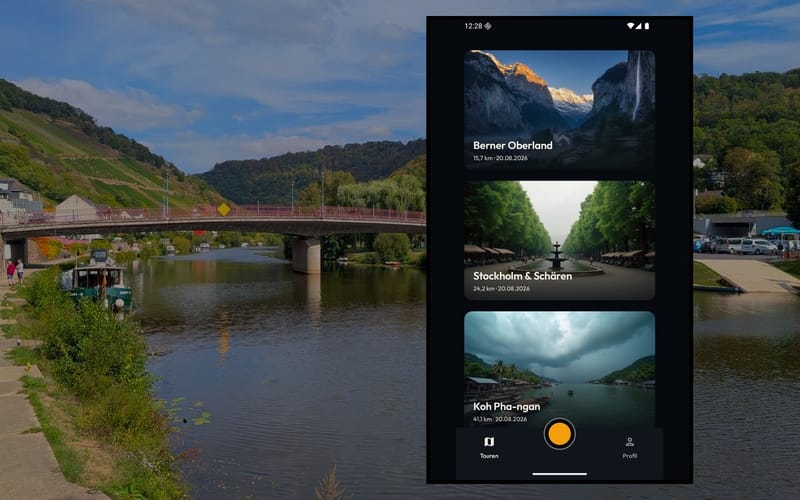
The app’s list of tours in front of the river Lahn at Obernhof

App

The app, rebuilt

A bar at the bottom takes you between your tours, Discover and your profile. New: a short introduction on first launch, creating an account right in the app, and a strip that always takes you back to the recording in progress.
A phone home screen with a round record tile among the app icons

App

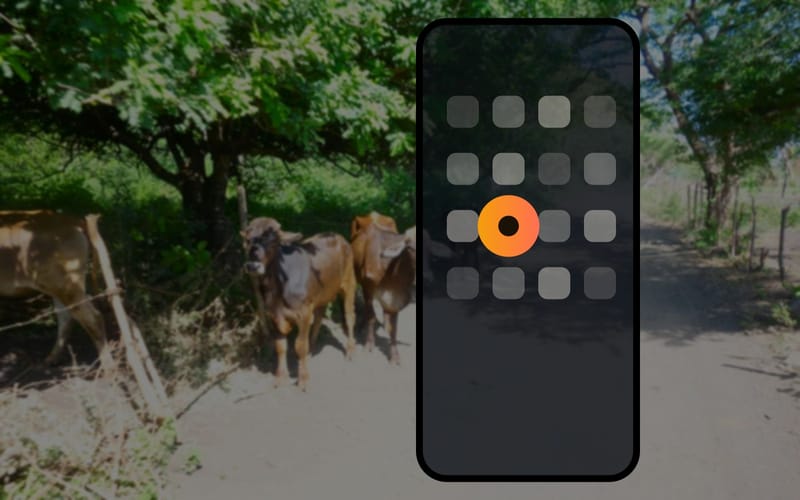
Start recording with one tap

A home screen widget, or a long press on the app icon, starts recording straight away. Route files someone sends you open directly in the app.
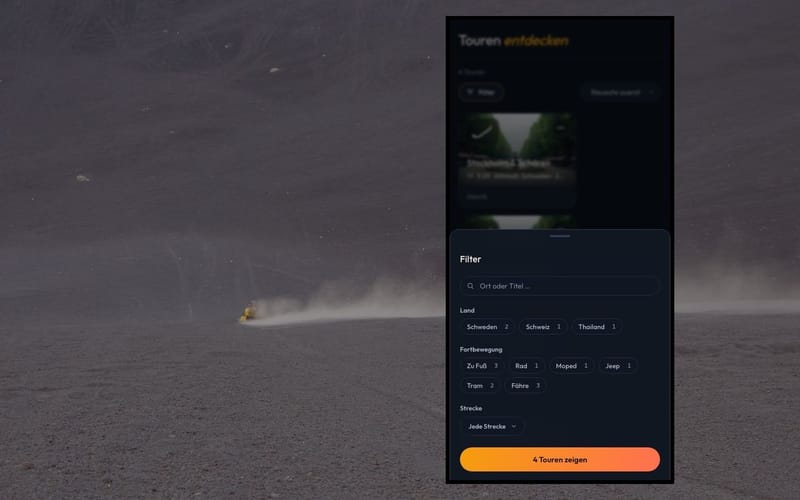
Three tour tiles side by side, one with its menu open

On the web

Sort, filter and rename your tours

Every tour now has a menu for renaming, deleting and choosing its cover photo. In Discover you can filter by place, country and how people travelled, and the sample tours are included too.

6 small fixes
  • In the app, the cog in your profile now opens your account settings.
  • If you see something inappropriate, you can report it in a couple of taps, and we will get back to you.
  • Signing out of the app now also removes the phone from your list of signed-in devices.
  • New sample tour: a hike through Tiger Leaping Gorge in China.
  • You can now also save videos at 25 frames per second.
  • On narrow screens a bar at the bottom now takes you to your tours, Discover and your profile.

August 2026

Week of August 24

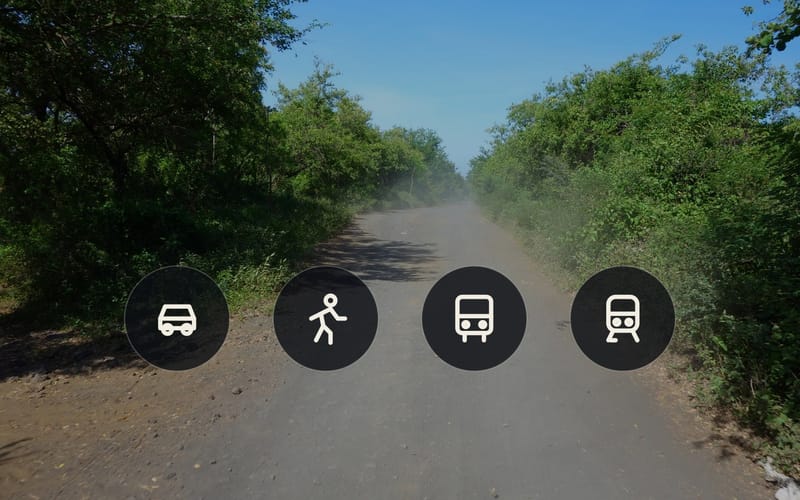
A dusty track with four icons for car, running, bus and train

FilmApp

Car, running, bus and train

Four new ways of getting around. Each has its own icon, its own pace and its own sound in the film.
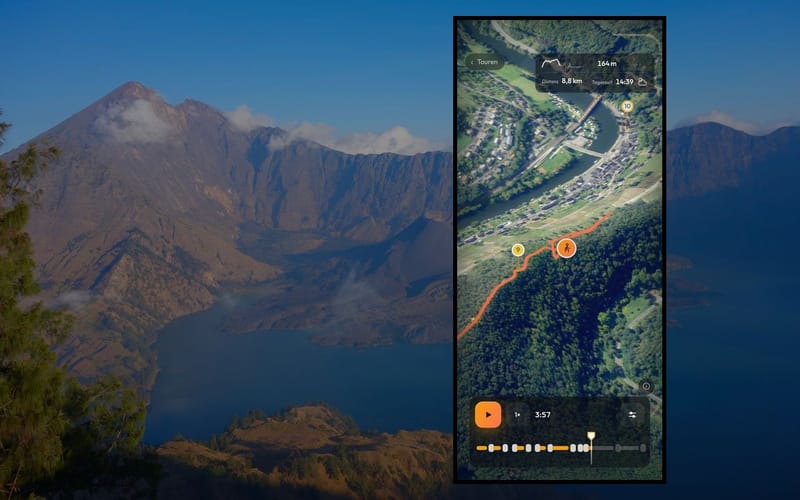
The film on a phone with the segmented bar at the bottomSatellite imagery: Esri, Vantor, Earthstar Geographics, GIS User Community

Film

New controls in the film

At the bottom, a chain of segments shows where your photos are and how long each part lasts. On a phone, double-tap to jump ten seconds forward or back, and keep your finger down to play at double speed.
Two speech bubbles over a rest stop at Tiger Leaping Gorge

AppFilmOn the webBig update

Maptale now speaks English

The website, films, app and emails are now fully available in English. Pick your language at the bottom of any page or in your account, and Maptale can show distances in miles if you prefer.

5 small fixes
  • The app now offers new versions for installation itself.
  • The app uses your account language, whatever language your phone is set to.
  • When uploading on your computer, “Automatic” is now preselected instead of “Bike”.
  • Your route in the editor is back in colour and clickable again.
  • Deleting your account now requires your password.

Week of August 17

Frame from a film over the Lahn valleySatellite imagery: Esri, Vantor, Earthstar Geographics, GIS User Community

On the webFilm

Save your film as a video

On your computer you can save the whole tour as a video file, landscape or portrait, at the frame rate you choose. Weather, photos and the start screen are all included.
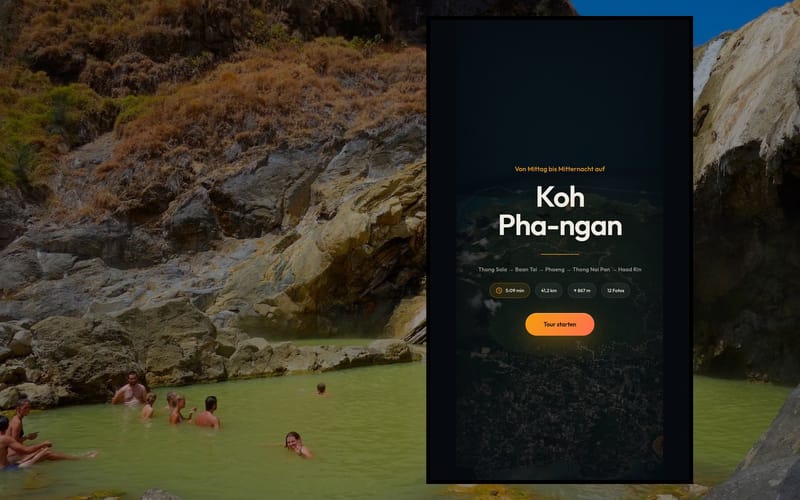
The film on a phone with hot springs on Rinjani behind itSatellite imagery: Esri, Vantor, Earthstar Geographics, GIS User Community

Film

The start screen tells the story

Before the film starts you now see your description instead of the recording date. The card for each photo only mentions what the picture can’t tell you itself.

5 small fixes
  • After signing out you land on the home page.
  • When you start a film in your phone’s browser, it now fills the whole screen.
  • At the end the film fades out gently and the music fades away.
  • Uploading now works even on phones that heavily restrict apps in the background.

Week of August 10

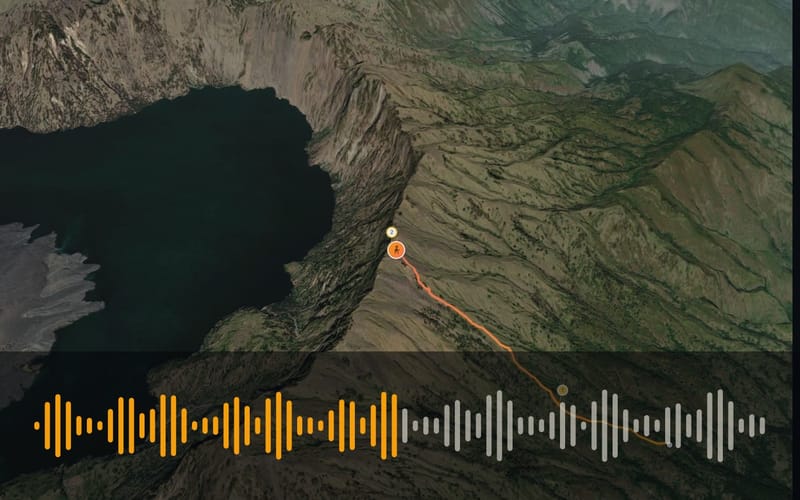
Frame by the crater lake with a sound wave belowSatellite imagery: Esri, Vantor, Earthstar Geographics, GIS User Community

FilmOn the web

Picture and sound in step

Picture, music and photos now follow one shared clock. The film no longer speeds up in bends, and the bar at the bottom shows the film’s time rather than distance.
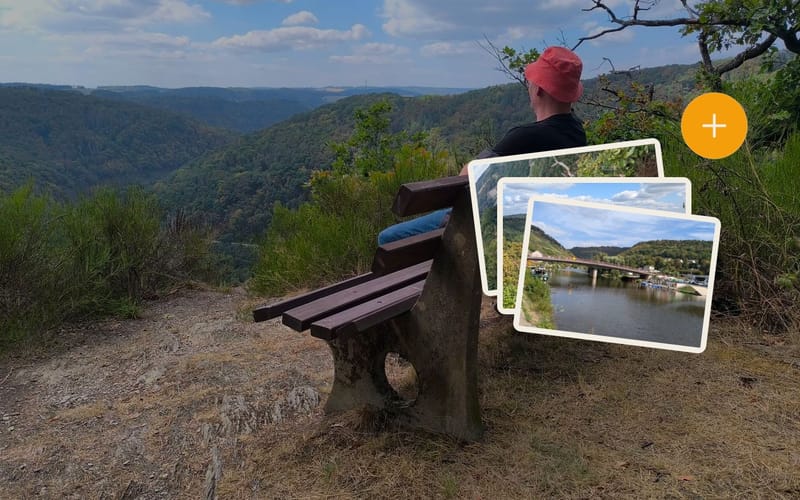
A rest with a view over the Lahn valley, with a small stack of photos and a plus sign

On the web

Add photos and videos later

Forgot a picture? On your computer you can add more photos and videos to a finished tour, and Maptale puts them in the right place.
A sports watch with a route on its face in front of a forest path

App

Tours straight from your Polar watch

Connect your Polar account and every new recording becomes a tour without you lifting a finger. The app adds matching photos and videos from your phone and lets you know as soon as the film is ready.

6 small fixes
  • If you open two tours one after the other, the second no longer shows the first one’s photos.
  • The different kinds of weather in the film now look clearly different.
  • If you jump to another point on the timeline, playback carries on from there.
  • When you play your tour on the computer, the rain now shows in the preview too.
  • The name now carries an “Alpha” label, and a dedicated button lets you send us feedback.
  • Maptale now accepts HEIC photos, the format many phones save in.

Week of August 3

A card with switches and a storage bar in front of green volcanic hills

Your account settings

A page of its own lets you change your email and password, see your signed-in devices and how much storage you use. You can also download all your data in one go.
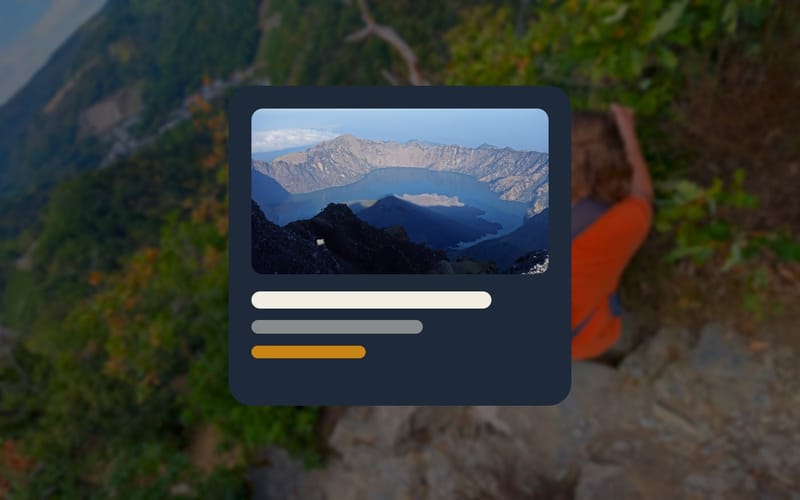
A chat message with a preview card showing a photo

Your profile at its own address

Your profile now lives at a short address like maptale.io/@name. Shared tours and profiles show a preview with title and picture in messaging apps.
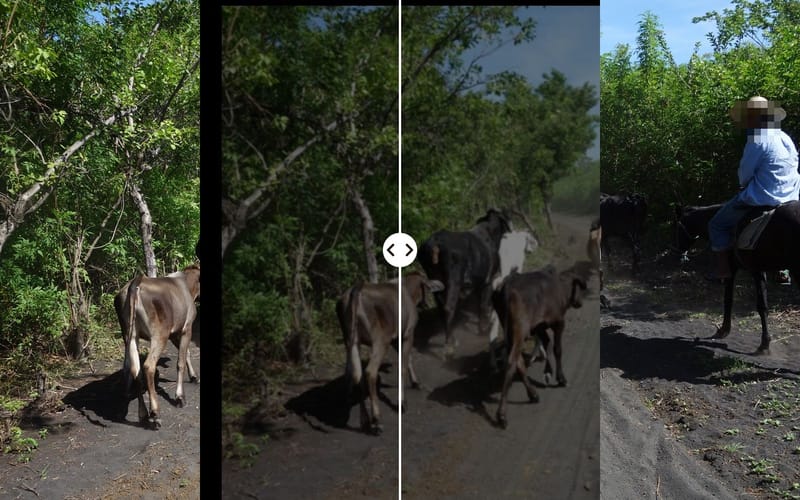
The same picture of a rider twice: shaky on the left, steady on the right

AppFilm

Steadier videos, faster photos

Videos filmed in the app are now stabilised, so your hand may shake but the picture stays steady. Photos load faster everywhere because Maptale shows them at the right size.

6 small fixes
  • You can now set your profile picture and cover photo right where you edit your profile.
  • The timeline on your computer now measures in film seconds, so you can see how long things really last in the film.
  • The app now shows which version you have installed.
  • Emails from Maptale now look like Maptale too.
  • Signing up now takes just two fields.
  • No invitation yet? You can now join the waiting list.

Week of July 27

Recording in the app in front of the climb up Cerro Negro

AppFilm

Maptale works out how you’re travelling

Choose “Automatic” in the app and Maptale recognises when you are walking, cycling or riding a bus or tram. The film then shows the matching icon and pace.
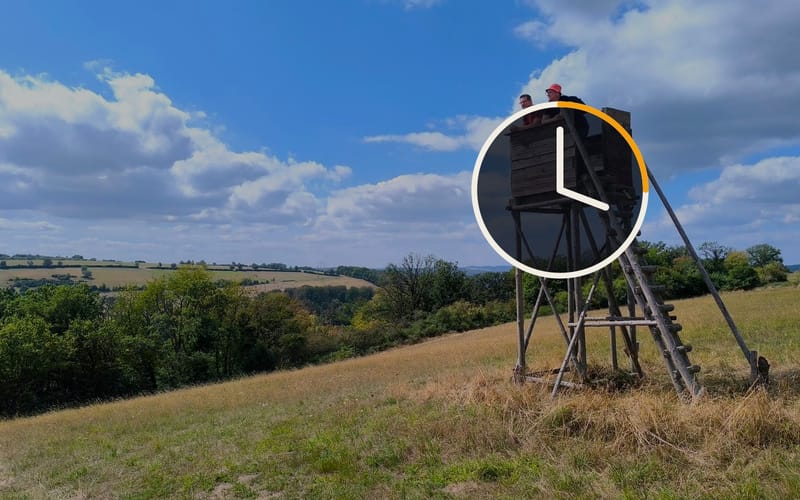
A raised hide at the edge of a forest with a clock whose hands race round

Film

Breaks play as a time-lapse

If you take a long break along the way, Maptale condenses it into a time-lapse. Light and weather carry on instead of jumping from day to night, and your route no longer wanders about while you stand still.
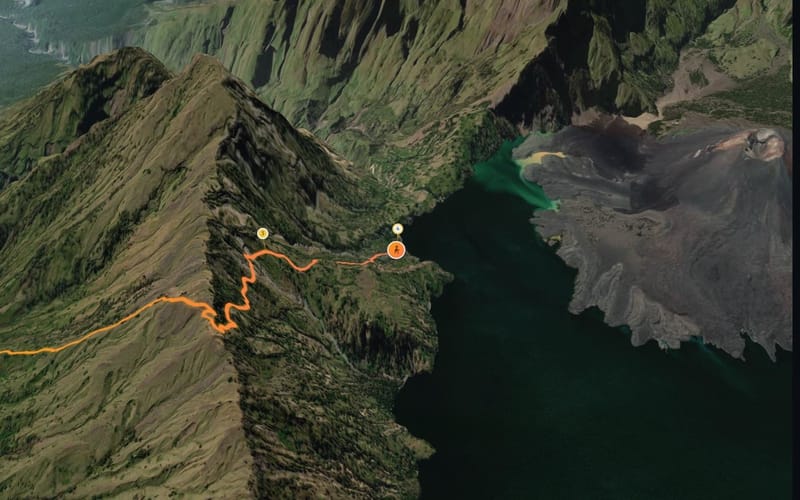
Frame above a ridge showing the photo stop markersSatellite imagery: Esri, Vantor, Earthstar Geographics, GIS User Community

Film

Photo stops stand above the landscape

The numbered markers for your photos now stand on a small post, so in the mountains they no longer vanish behind the next ridge.

6 small fixes
  • Videos in a tour now start straight away instead of loading first.
  • When you sign up, Maptale shows how strong your password is.
  • The film controls now step back when you don’t need them.
  • Maptale now shows the camera, lens and exposure for each photo.
  • Upload your own music and sounds once and use them in any tour.

July 2026

Week of July 20

The cone of Cerro Negro with musical notes on a rising line

FilmOn the web

New tours come with music

Maptale picks music for your film to suit the time of day, weather, terrain and how you travelled. You can swap it for another track on your computer at any time.
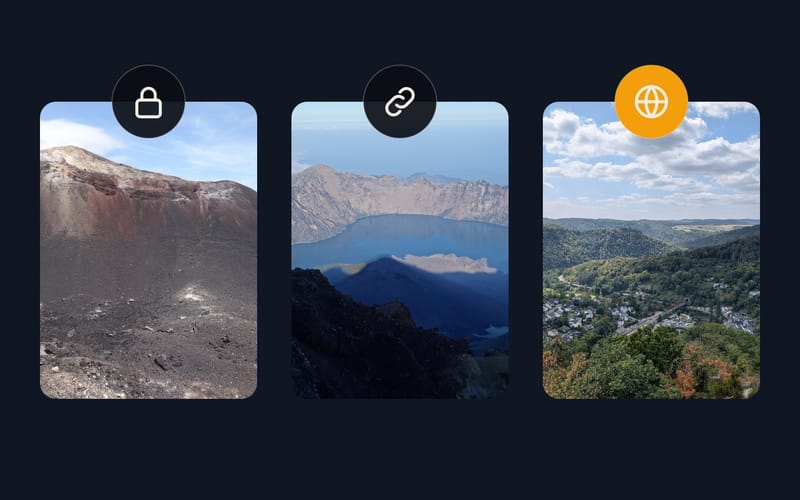
A summit ridge in the viewfinder with the shutter button and a strip of photos below

App

A proper camera in the app

Pinch to zoom, tap to focus, flash and front camera. Your photos line up in a strip below the shutter button, and you can give each one a title that appears in the film.
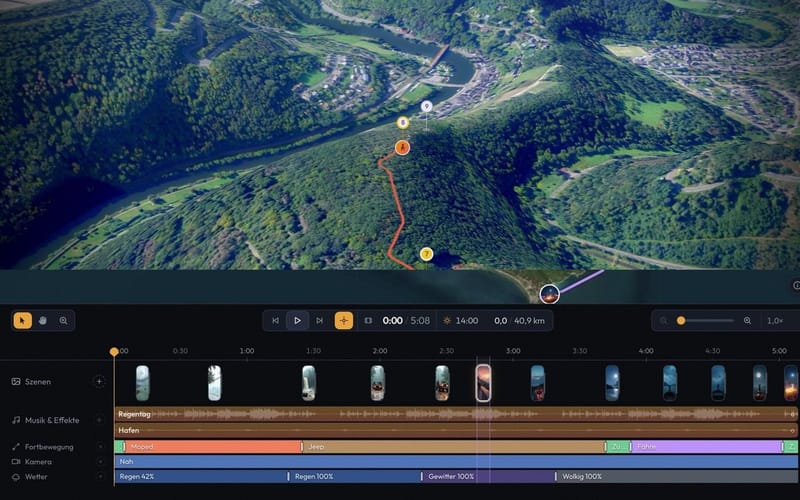
The editor’s timeline with its tracksSatellite imagery: Esri, Vantor, Earthstar Geographics, GIS User Community

On the web

Edit your film on your computer

A timeline shows travel mode, camera, music and photos on separate tracks. You place sounds and special camera moments exactly where they belong.

5 small fixes
  • Videos in your tour now play their sound, and the music gets quieter meanwhile.
  • A timer shows how long you have been recording, whichever screen you are on.
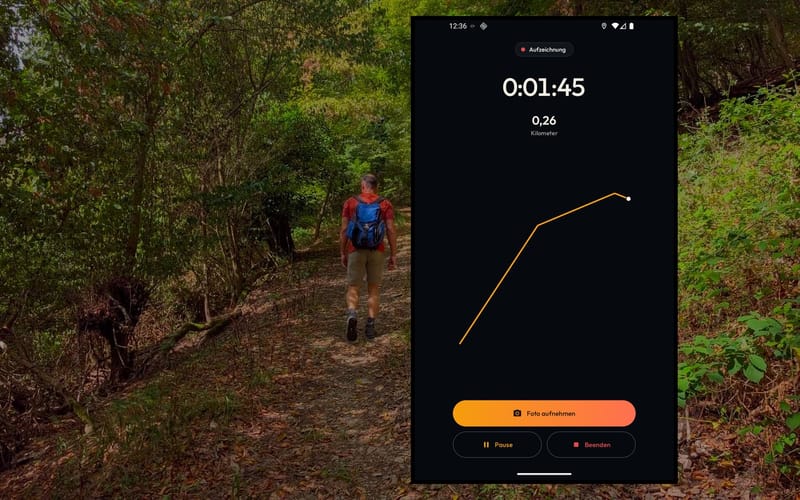
  • A sketch of your route now grows as you record.
  • The app now uploads finished recordings by itself and shows all your tours in one list.
  • If the weather is off, you can now set it yourself on your computer.

Week of July 13

Recording in the app in front of a path through the Lahn valley

AppOn the webFilmBig update

Your own tours

Record on the go with the Android app while taking photos and videos, or upload a route file and your pictures on your computer. With your own account, Maptale turns it into your film, complete with the weather of that day.
Mist in the forest at the tree line on Rinjani

Film

The weather comes from your photos

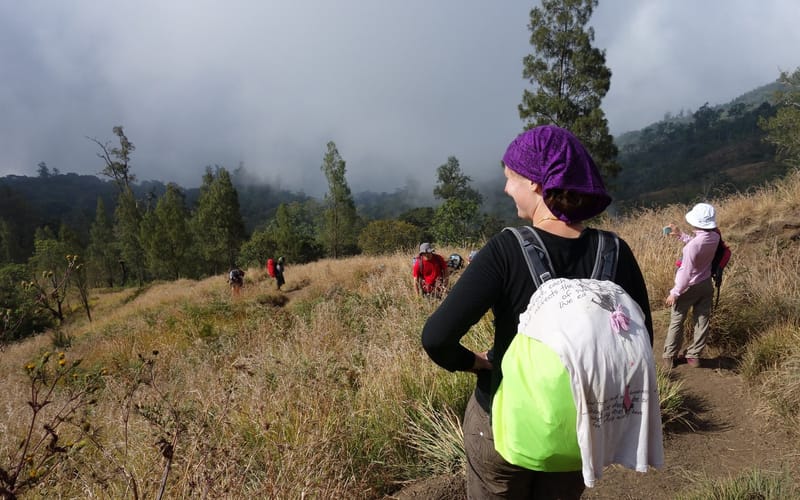
Maptale looks at your pictures. If a photo shows rain or fog, it rains or turns foggy at that point in the film too.

1 small fix
  • A new home page shows what Maptale can do and offers the app for download.

Week of July 6

A longtail boat off the coast of Koh Pha-ngan

Film

New sample tour: Koh Pha-ngan

By moped, jeep and boat across the Thai island, from the afternoon into a full-moon night.
Dusk over the crater rim of Rinjani

Film

Weather, daylight and sound

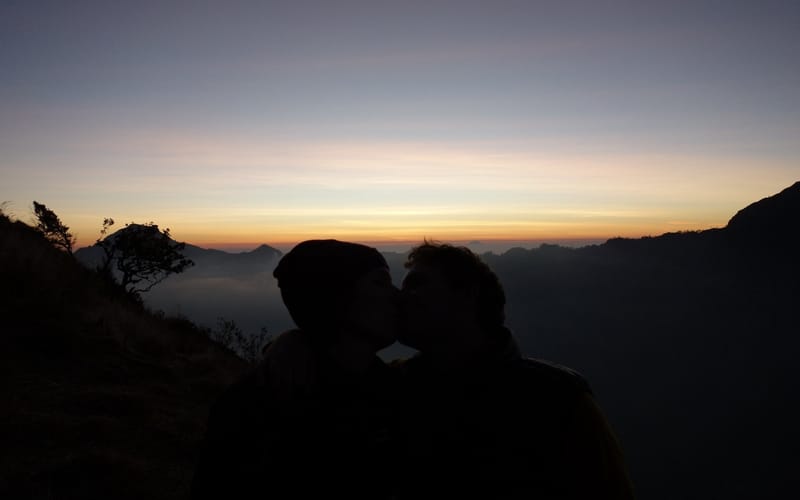
Rain, thunderstorms, haze and the path of the sun now appear in the film. You also hear music and the sound of your vehicle, from moped to boat.

2 small fixes
  • The dot that marks you on the route stays fully visible even from a steep angle.
  • You can now switch sound, music and weather on and off separately in the film.

Week of June 29

The Lauterbrunnen valley in the Bernese Oberland

FilmBig update

The first version is online

A route becomes a 3D camera flight with photo stops, over real terrain and with changing daylight. To begin with there are two sample tours: the Bernese Oberland and Stockholm with its archipelago.

1 small fix
  • When you skip forwards or back, the camera now pans smoothly instead of jumping.
Where it all began